 Saldofy
Saldofy
Saldofy
A premium experience, refined animations, and all the simplicity you need to monitor your daily balances without effort.
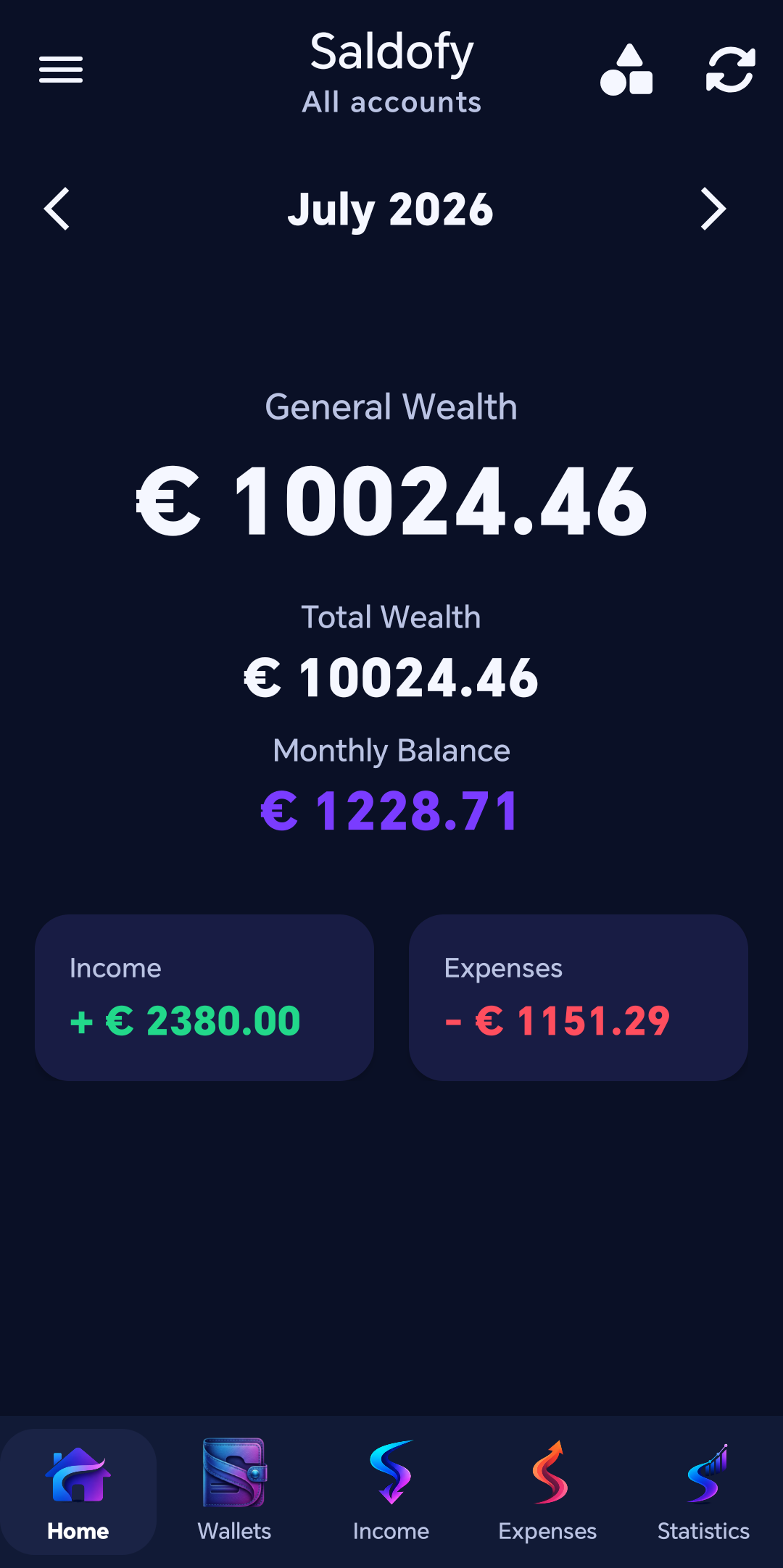
A current, fast look at expenses, savings goals, budgets and statistics — with no narration getting in the way.
A quick look at the main screens.
Balances update immediately
after every movement.
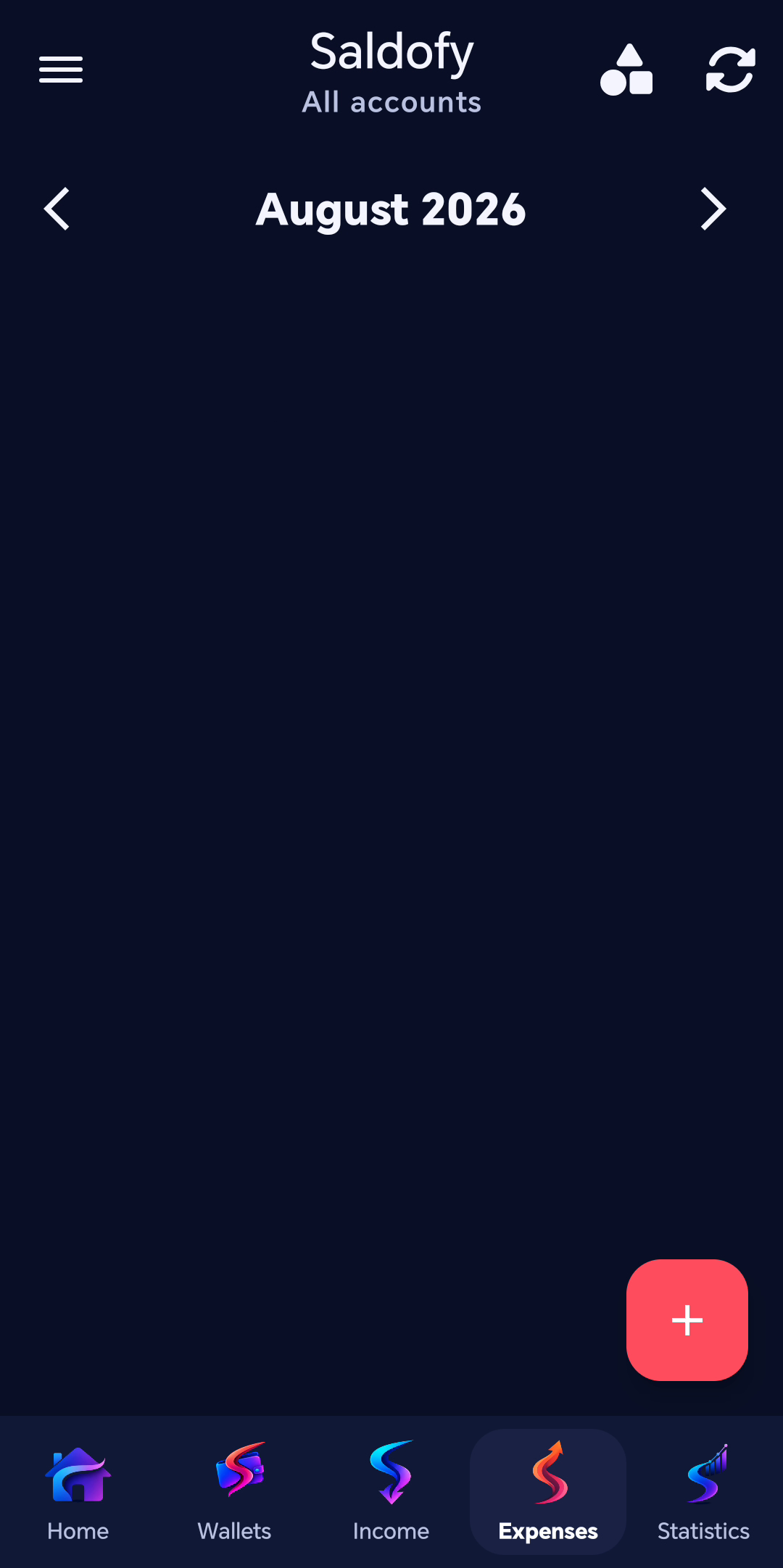
Record expenses with account
and category details.
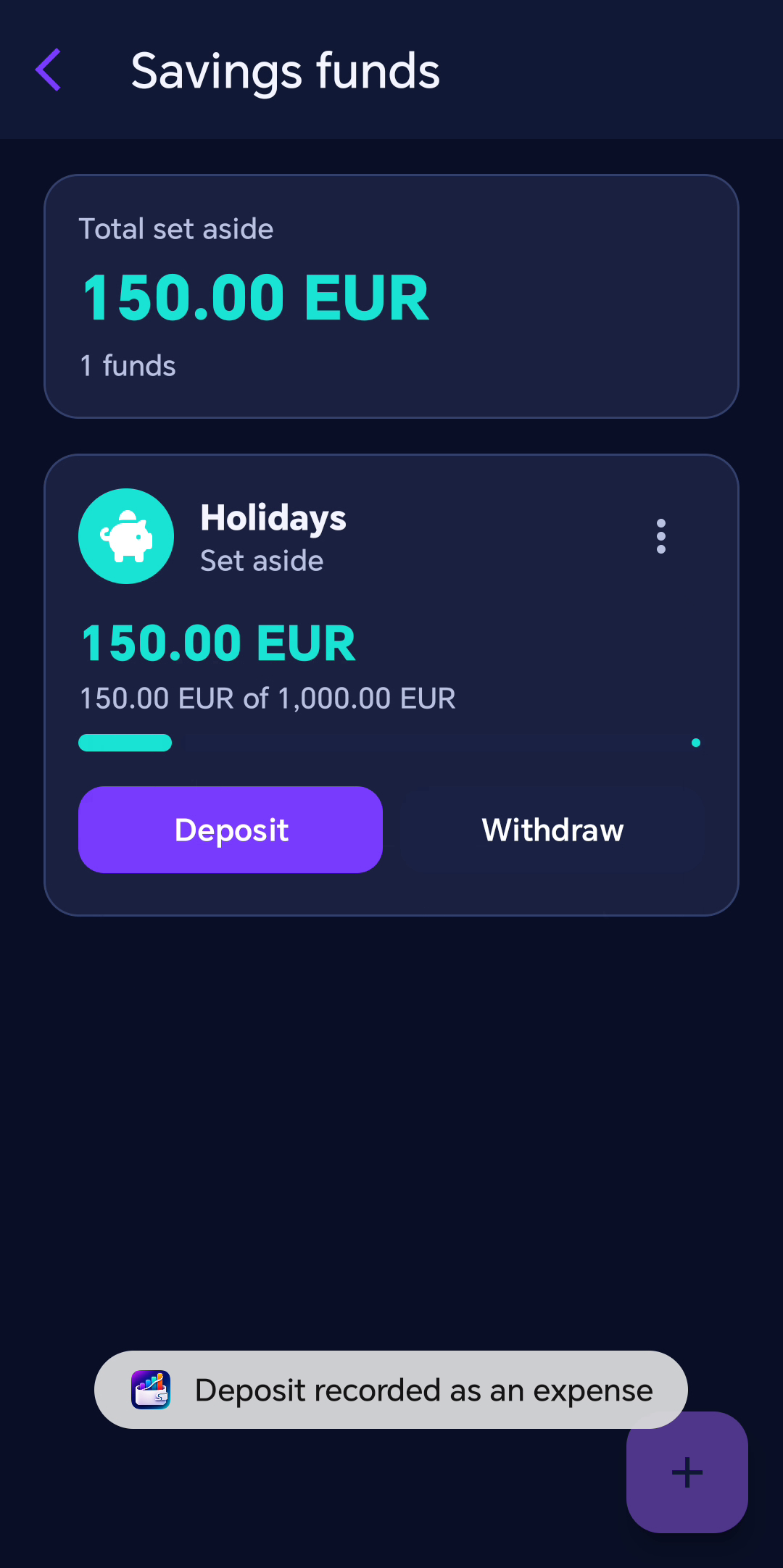
Build savings goals
one contribution at a time.
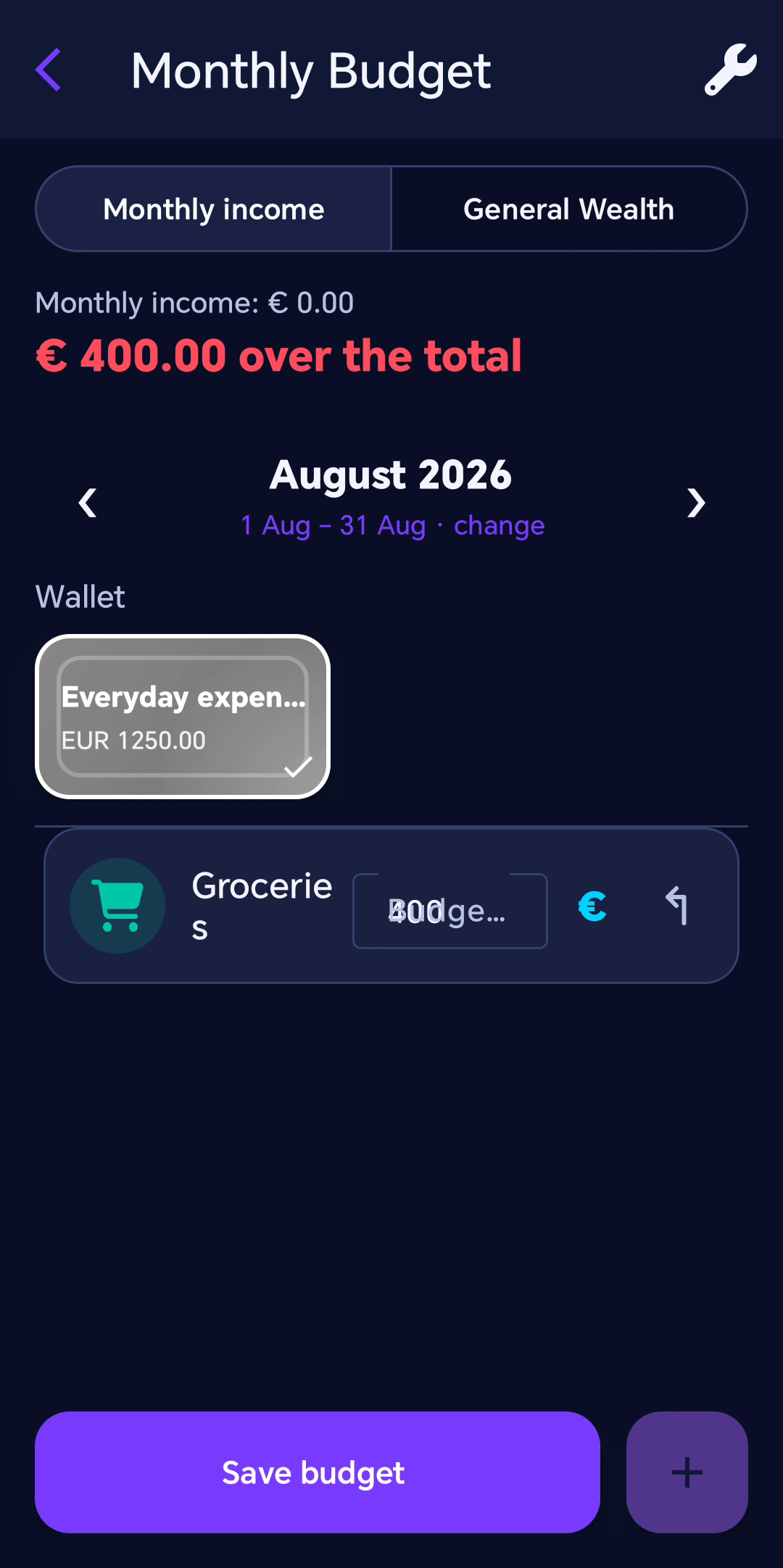
Set clear limits
for every category.
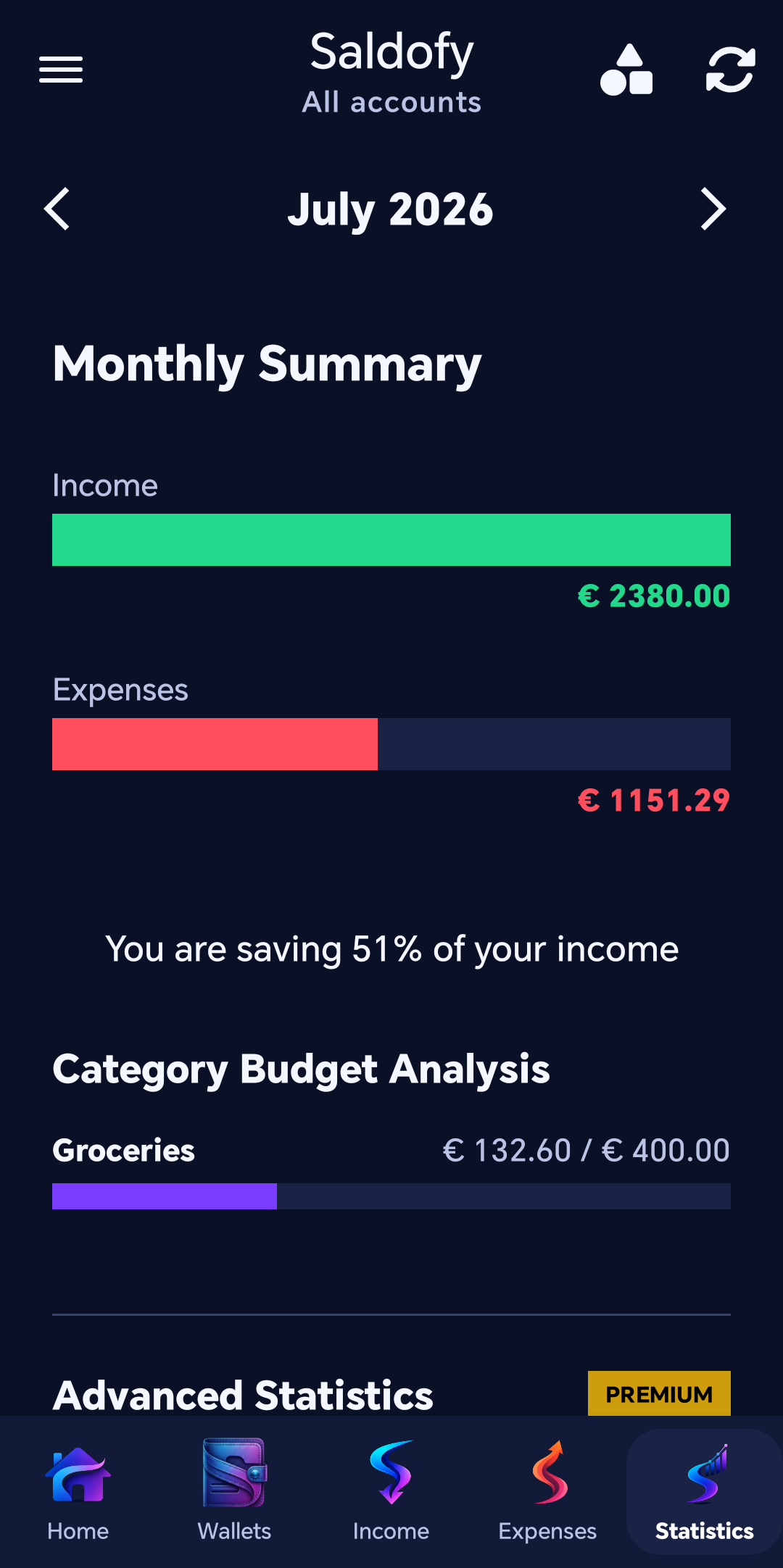
See spending, limits and
remaining budget together.
Every visual detail is built to save you time.
Built around current design standards. Smooth transitions and a clean interface help you focus only on your data.
No complex or confusing charts. Just immediate overviews that help you understand where your money is going.
Your financial data stays yours. The app respects your privacy without invasive tracking or ads.
Use Saldofy on a larger screen, with the same account as on Android.
Wallets, transactions, budgets, invoices and reports, designed for mouse and keyboard.
Sign in with the same account and pair your computer to access your encrypted data.
Windows offers a one-time purchase in the app. Subscriptions are managed only on Android; an active eligible subscription is checked on your account.
Saldofy checks for updates automatically. You choose when to download and install them, without uninstalling the app.
Updates preserve saved data and settings. Save your changes and complete synchronization before restarting.
Windows 11, 64-bit Intel or AMD computer. Internet connection required for sign-in, synchronization and updates.
The Windows download is being prepared.
Download for WindowsAlready using Saldofy? Run the new installer without removing the existing app.
A premium experience, without compromises. And no, you will never see ads.
Saldofy is now available on Google Play.
Prices are shown in your country's currency. Purchases are made in the app through Google Play.
Already Premium? Manage your subscription on Google Play.